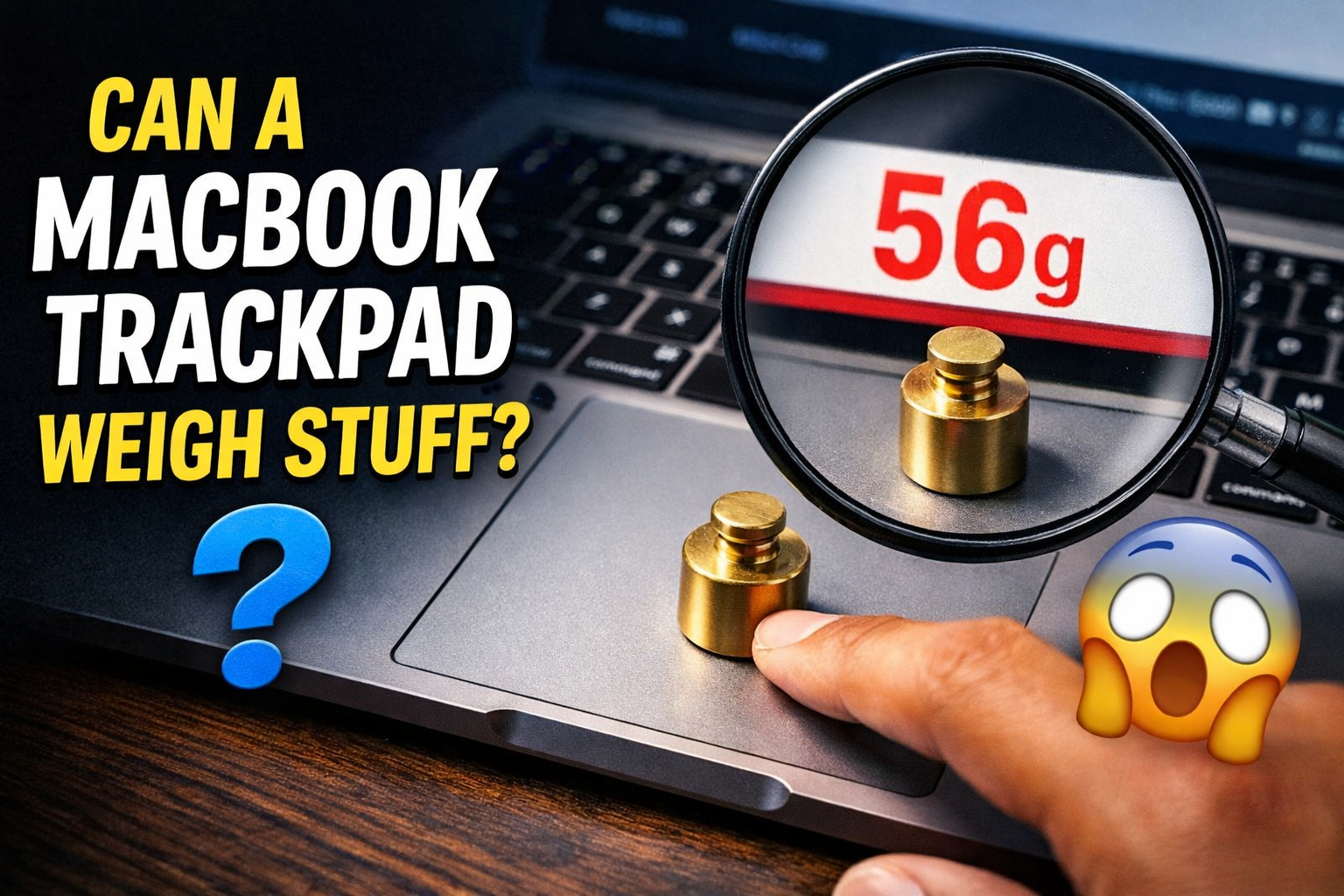
So I was mindlessly scrolling through X (I still call it Twitter in my head) when I saw someone claim you could weigh coins using a MacBook trackpad.

I stopped scrolling immediately.
Not because I believed it. But because — wait, what? I’ve used a MacBook almost every day for years. I’ve watched tutorials on it, pulled all-nighters on it, spilled coffee near it (don’t ask). And apparently, this whole time, it could moonlight as a weighing scale?
I had to try it. Obviously.

First — Why Does This Even Make Sense?
Before I started throwing coins at my laptop, I looked into why anyone thought this could work in the first place.
Here’s the quick version: newer MacBooks have what Apple calls a Force Touch trackpad. Older trackpads used to physically click down when you pressed them — like a button. Force Touch trackpads don’t actually move at all. Instead, tiny sensors underneath detect how hard you’re pressing, and the laptop fakes the click feeling using vibrations. Pretty wild when you think about it.
So the idea is: if those sensors can tell the difference between a gentle tap and a firm press, maybe they can also feel the weight of something just sitting on them.
Honestly? That logic kind of tracks. Which is exactly why I had to test it.

The Part Where I Had No Idea What I Was Doing
Here’s the thing — I assumed this would be simple. Press a button somewhere, read a number, done.
It was not simple.
I spent an embarrassing amount of time poking around System Preferences looking for some hidden sensor menu that definitely doesn’t exist. I Googled “how to read MacBook trackpad pressure” and fell down a rabbit hole of developer forums that made absolutely no sense to me. At one point I was staring at a Terminal window like it owed me money, with no idea what to type into it.
I was about thirty seconds from giving up and going back to scrolling when I finally found something that actually worked.

The App That Made It Possible
A free, open-source app on GitHub called TrackWeight (built by a developer named KrishKrosh), and it does exactly what it sounds like.
You download it, open it up, and it gives you a live reading of whatever pressure the trackpad is detecting. Clean interface, dead simple to use. If you have a MacBook with a Force Touch trackpad, you can try this yourself in about two minutes.
That’s the app I used for everything you’re about to read.
Okay, What Actually Happened
I grabbed a handful of coins from my desk and gently placed them on the trackpad. Then I pulled up TrackWeight and watched the screen.
And then — something actually happened.
The numbers moved. My MacBook was reacting to coins just sitting there, not being touched by anyone. I genuinely had a little “no way” moment. It felt like discovering a cheat code nobody told you about.
I kept adding more coins, watching the numbers climb. For a solid minute, I thought I was onto something real.
Then I put the same coins on an actual scale.
The numbers were completely different. Not a little off — embarrassingly off.
Why It Doesn’t Really Work
Here’s where the science comes in, and it’s actually pretty interesting.
Force Touch measures pressure. But weight isn’t the same thing as pressure. Weight depends on an object’s mass and gravity — and the trackpad was never built to calculate any of that. It’s just detecting that something is pressing on it, not how heavy that something is.
Small variables also threw the readings off constantly — whether the coins were perfectly centered, whether the laptop was sitting slightly tilted. Every tiny thing mattered.
The best analogy I can think of: it’s like trying to figure out how hot something is by squeezing it. You’re detecting something real — just not the right thing.
The Cool Part, Though
Look, the weighing thing doesn’t work. But here’s what genuinely surprised me — the fact that it detected the coins at all.
Think about it. A trackpad designed to read your fingertips picked up on a few coins just sitting still on it. No touching, no tapping. Just the faint pressure of their weight, and the laptop noticed.
These sensors are more sensitive than most of us ever stop to appreciate. Every time you use your trackpad, it’s not just registering where your finger is — it’s reading exactly how hard you’re pressing, in real time, constantly.
That’s kind of insane when you actually sit with it for a second.
What This Says About the Tech We Ignore Every Day
Here’s the thing that actually stuck with me after all of this.
We treat our laptops like appliances. You open it, you use it, you close it. But there’s genuinely sophisticated engineering happening in the thing your wrists rest on while you watch YouTube. Apple built a trackpad that simulates physical clicks using haptic feedback so convincing that millions of people used it for years without realizing the button wasn’t real. That’s not a feature — that’s a magic trick.
And we just… never noticed. Because it worked, so we moved on.
The coin experiment failing is almost beside the point. What it actually revealed is that your MacBook is quietly doing a dozen impressive things that nobody told you about, and you’ve been taking them for granted the whole time. Which makes you wonder — what else is your laptop doing that you’ve never thought to question?
Bottom Line
Can you weigh coins on a MacBook trackpad? Sort of, but not really. The trackpad reacts, but without proper calibration, the numbers don’t mean much.
Should you try it anyway? Absolutely. It’s one of those things that doesn’t work the way you hoped but ends up being more interesting because of it.
Plus, it’s a great way to look like you know something nobody else does.
And honestly — isn’t that reason enough?